
How to use open source AI models to guarantee GDPR compliance in day to day work
Goodbye Copilot?…
You want to paste a run of patron feedback into an AI tool and ask it to pull out the recurring themes. You hesitate – there are names in there, accessibility notes, a comment that mentions someone’s specific circumstance. You could strip all of that out first. But by the time you have, you have done most of the work yourself.
You could anonymise carefully and consistently every time. In principle, genuinely anonymised text falls outside GDPR’s scope – once nothing in it could identify an individual, the regulation does not apply to what you do with it next. In practice, doing that properly is time-consuming, error-prone, and relies on individual judgement calls that vary from person to person. It is not a realistic workflow for a busy team, and most people quietly stop using the tool rather than maintain the discipline.
There is a different approach, and it is more straightforward than most people realise. AI tools do not have to send your data anywhere. Some models are built to run directly on your own computer – privately, offline, without connecting to the internet at all. Nothing leaves your machine. There is no cloud service involved, no company receiving your text, and no data protection question to navigate.
If you have felt limited by not knowing what you can safely put into an AI tool – this is for you.
What open source models are
An open source AI model is one whose underlying weights are made publicly available by the organisation that trained it. Meta publishes Llama. Google publishes Gemma (the foundation models for Gemini). Mistral AI publishes Mistral. Unlike the models behind commercial cloud services, these can be downloaded, run entirely on local hardware, and never contact an external server.
The practical consequence is direct. When a model runs on your own machine, your data does not leave it. There is no connection to a third-party service, no data processor to account for in your GDPR records, no question of where the text ends up or how long it is retained. The model processes the input locally, on your machine, and returns a response. That is the key difference.
Running a local model without a technical team
Downloading a model and making it usable has historically required technical knowledge most organisations should not need to acquire. Ollama changes that.
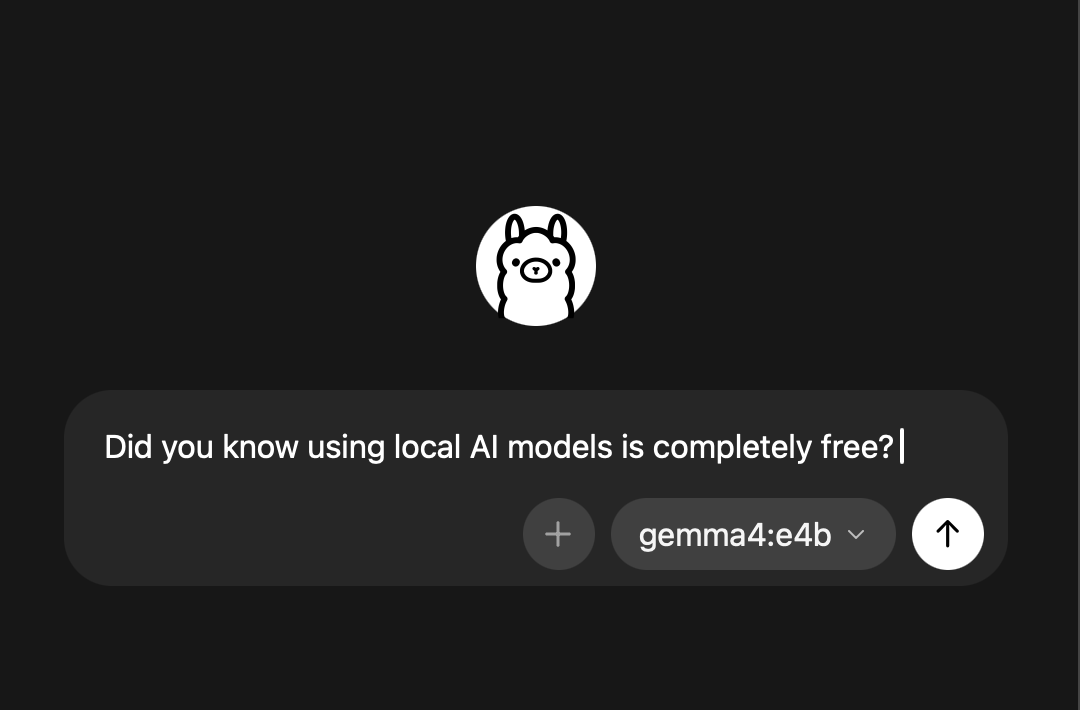
It is an application that handles the complexity behind the scenes – once installed as a desktop app on a Windows or macOS machine, downloading and running a model takes a few short minutes.
After that initial setup it works entirely offline, with no account to create, no subscription to manage, and nothing leaving the machine. It is also free.
What this changes for GDPR compliance
Under UK GDPR, sending data to a cloud AI service makes the organisation a data controller passing information to a data processor. That requires a data processing agreement, a clear lawful basis, and confidence that the processor handles data in accordance with the regulation. Cloud AI providers typically offer these agreements, but the compliance burden is real.
Local models change the structure of the problem. There is no data processor. The organisation is both controller and processor, and the data never leaves its own infrastructure. This is a simpler arrangement from a compliance standpoint, because it eliminates an entire category of third-party risk. Patron accessibility notes, bereavement requests, financial details related to concessions – data of this kind can be used in AI-assisted tasks without any of it transiting cloud infrastructure.
Many arts organisations operate within Microsoft infrastructure – Exchange, Teams, SharePoint – and some have been told, formally or informally, that they cannot use AI tools outside that environment because of data concerns. Ollama offers a substantive answer to that situation.
Because a local model runs entirely on the staff member’s own machine, no data is sent to any third party at all – not to Microsoft, not to any cloud service, not anywhere. The third-party processing relationship that triggers GDPR obligations simply does not exist.
A member of staff running Ollama on their Windows laptop can use AI assistance for their own work – drafting, summarising, reformatting – without any conflict with organisational data policy, without a data processing agreement, and without touching the broader IT infrastructure.
Three models worth trying
The range of available open source models is wide, but for most people working day to day in arts administration, these three are worth knowing about.
Gemma 4 (Google) is the most accessible starting point. It runs on most standard laptops without any specialist hardware and handles everyday writing tasks reliably – drafting communications, summarising documents, reformatting notes. It is also multi-modal, meaning it can understand files, text, images and even audio and video in some cases. If you want to start somewhere, start here.
Qwen 2.5 (Alibaba) is the strongest choice for working with data. If you want to paste in attendance figures, sales breakdowns, or survey results and ask questions about them – identifying patterns, comparing periods, spotting anomalies – Qwen 2.5 handles that kind of structured analysis more reliably than most. It also manages longer documents and multilingual content well, which is useful for venues receiving patron communications in more than one language.
Phi-4 (Microsoft) is built for precision. Where you need careful, structured output from complex or messy input – pulling key points from a long report, identifying inconsistencies, producing draft correspondence that stays close to the facts – it tends to outperform the others.
A few things to know before you start
Where local models have limits is in tasks that require live information. They cannot search the web or access external systems (without a bit of technical know-how), and historically they have been less capable than commercial alternatives.
That gap has narrowed considerably in recent months – the latest releases, including Gemma 4, now rival the quality of commercial models available on free plans for most everyday writing and analysis tasks.
For patron-facing work – answering live queries, processing refunds, providing show-specific information – you will need a tool where data handling is managed at the technical level. Karo is built specifically for that, with compliance built in from the ground up.
For the day-to-day work of arts administration – drafting communications and press releases, summarising patron feedback, working through data, pulling key points from a long document – a model running on your own machine handles these tasks well. You paste the text in, ask your question, and get a useful response – just like you would with ChatGPT, Copilot or Claude but without the GDPR headache.
For staff doing their own work privately, without sending sensitive data anywhere, local models are a practical, immediate, and free option. The setup takes less than an hour. The compliance question – what happens to the data you put into an AI tool – answers itself.